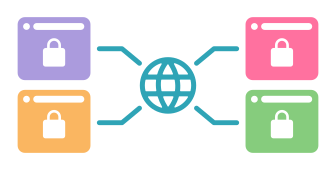
MirageID allows you to manage virtual assistants and team members securely by giving them controlled access to accounts—without sharing passwords or exposing sensitive information.
ABOUT
Virtual assistant and team account management refers to securely giving access to accounts without exposing sensitive login information.
Instead of sharing usernames, passwords, or authentication codes, access is managed through controlled environments—allowing team members to work within accounts while maintaining security and oversight.
.png)
Most teams manage accounts by sharing usernames, passwords, and authentication codes with virtual assistants or employees.
While this may seem convenient, it creates serious risks.
Once login credentials are shared, you lose control over how accounts are accessed and used. There’s no clear way to limit actions, monitor behavior, or prevent mistakes.
A single misstep—whether intentional or accidental—can lead to account flags, suspensions, or even permanent bans.
The risk becomes even greater when working with remote team members.
A virtual assistant working from a shared network or device—whether in the Philippines or elsewhere—may be using a computer that is also accessed by other people, or connected to networks where multiple accounts are being used.
In these situations, activity can overlap, data can leak, and accounts can become exposed or correlated without you even realizing it.
It also becomes difficult to track who did what. Without visibility into account activity, managing multiple people across multiple accounts quickly becomes chaotic.
.png)
.png)
MirageID allows you to give virtual assistants and team members access to accounts without ever sharing passwords or sensitive login information.
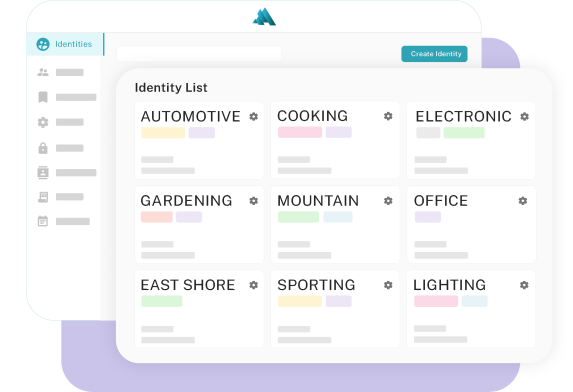
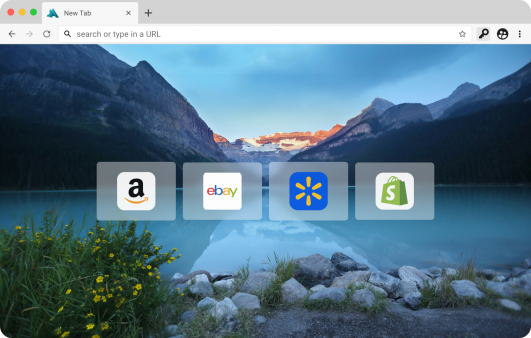
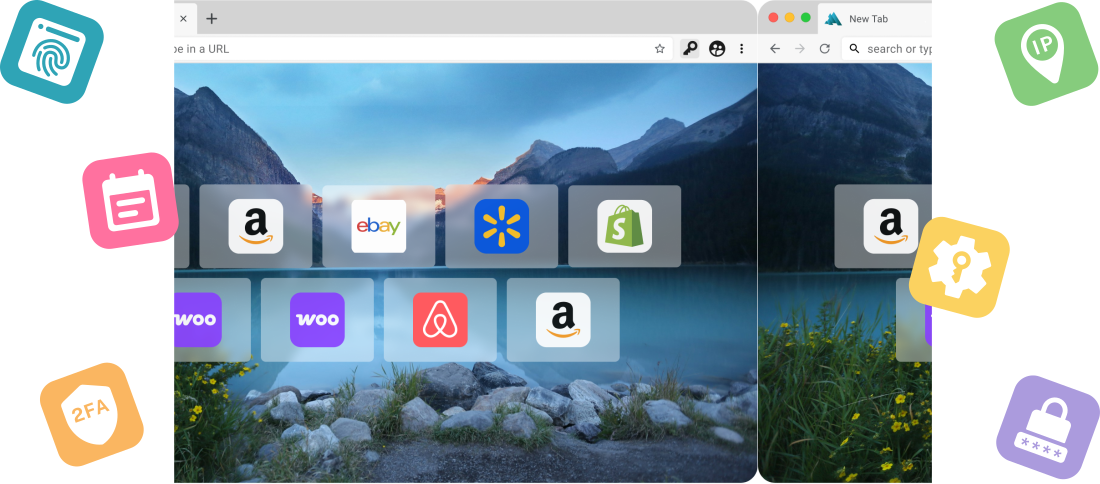
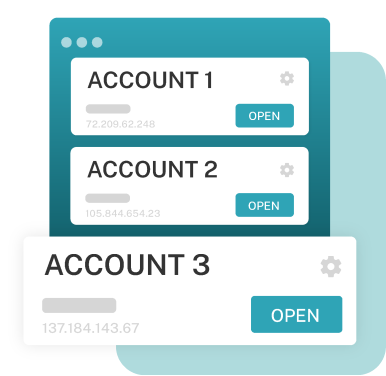
Instead of logging into your accounts directly, your team works within secure, isolated browser identities—keeping your accounts protected at all times.
Each identity acts as its own controlled environment, with separate IP address, fingerprint, cookies, and session data. This ensures that activity remains isolated, regardless of where or how your team is working.
Even when working with trusted team members, proper separation is critical. Without controlled environments, accounts and data can still be exposed through shared devices, networks, or unintended access. MirageID ensures all activity remains isolated and secure.
Even if a virtual assistant is using a shared device or network, your accounts remain protected within their assigned identity.
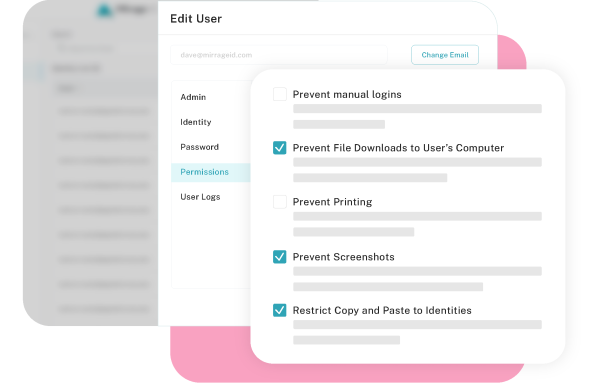
MirageID also gives you full control over how access is managed. You can assign identities to specific team members, set permissions on what actions they can take, and monitor all activity through detailed audit logs.
This allows you to scale your operations confidently—knowing your accounts are secure, your team is controlled, and every action is visible.
Not every team member should have unrestricted access—especially when working with contractors, temporary staff, or outsourced virtual assistants.
MirageID allows you to enforce strict controls over how accounts are accessed and used.
You can restrict actions such as downloads, uploads, printing, and manual logins—ensuring that sensitive data stays protected while work continues uninterrupted.
Because all activity happens within isolated browser identities, there’s no direct exposure to your accounts, credentials, or local environment—even when users are working from shared devices or networks.
Combined with permission controls and activity tracking, this gives you a controlled environment where team members can operate safely—without risking leaks, misuse, or unintended access.
Many teams still rely on sharing login credentials through email, spreadsheets, messaging apps, or even password managers.
While this may seem convenient, it creates serious security and operational risks.
Once credentials are shared, you lose control over how accounts are accessed. Passwords can be reused, copied, stored elsewhere, or accessed outside of your visibility.
Even with traditional password managers, users often still have direct access to credentials—without restrictions on what they can do or how they use the account.
There’s also no reliable way to enforce boundaries. You can’t prevent downloads, limit actions, or control how data is handled once someone logs in directly.
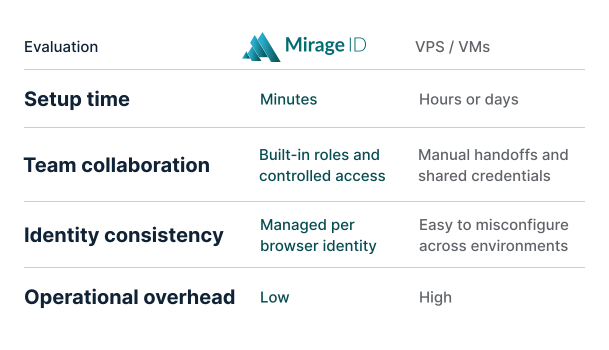
MirageID takes a different approach. Instead of exposing credentials, access is managed through secure browser identities, with support for integrated password management tools like 1Password—so login details are never shared or visible to users.
This approach gives you full control over access—without ever exposing sensitive information.